GMaper – Google Maps for Elementor
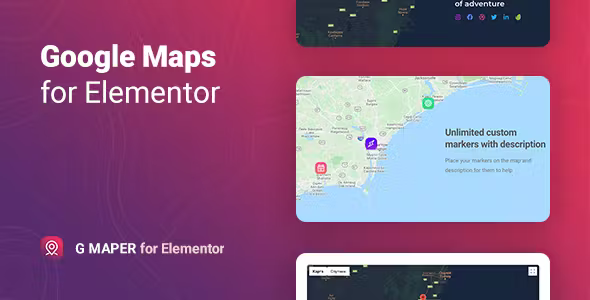
GMaper is a simple and effective solution for adding Google Maps to any page built with Elementor. Instead of using complex code or manual embeds, you can place fully customizable maps directly inside your layout with just a few clicks. This makes it ideal for businesses that want to show store locations, service areas, or contact addresses in a professional way.
If you are already working with Elementor, you can explore more Elementor-compatible tools on our website at Elementor Templates & Addons. In addition, for users who want Google Maps features in booking systems, we also recommend the Bookly Google Maps Address Addon.
Main Features
- Drag-and-drop Google Maps widget for Elementor
- Custom markers, multiple addresses, and zoom controls
- Supports map styling, full-width maps, and interactive navigation
- Works seamlessly with contact pages, store locators, and service areas
- No coding required—easy setup inside Elementor panel
How It Works
You simply enter your Google Maps API key, add the GMaper widget to any Elementor section, and then choose your map style or location. Furthermore, you can add multiple markers to highlight offices or branches. This helps customers find you faster and improves trust.
Useful Resources
For users building business websites with Elementor, we recommend checking out:
- WordPress Booking & Appointment Themes
- How to Use Elementor – Beginner’s Guide
With GMaper, your website becomes more informative and user-friendly. It not only improves location visibilitybut also enhances the overall design of your Elementor pages.




























Reviews
清除过滤器No reviews yet