Blog
How to Create a WordPress Website from Scratch in 2025

How to Create a WordPress Website from Scratch in 2025
Building a WordPress website is easier than ever in 2025. Whether you’re creating a personal blog, business website, or online store, this step-by-step guide will get you online quickly.
Step 1: Choose Your Domain and Hosting
Before installing WordPress, you need a domain name and web hosting. Here’s what to look for:
- Domain name: Keep it short, memorable, and relevant to your niche
- Hosting: Choose managed WordPress hosting for best performance
Recommended hosting providers: SiteGround, Kinsta, WP Engine, Cloudways
Step 2: Install WordPress
Most hosts offer one-click WordPress installation. Alternatively:
- Download WordPress from wordpress.org
- Upload to your server via FTP
- Create a MySQL database
- Run the installation wizard
Step 3: Choose and Install a Theme
Your theme determines how your site looks. For a professional result:
- Choose a theme matching your niche
- Make sure it’s mobile-responsive
- Check that it’s regularly updated
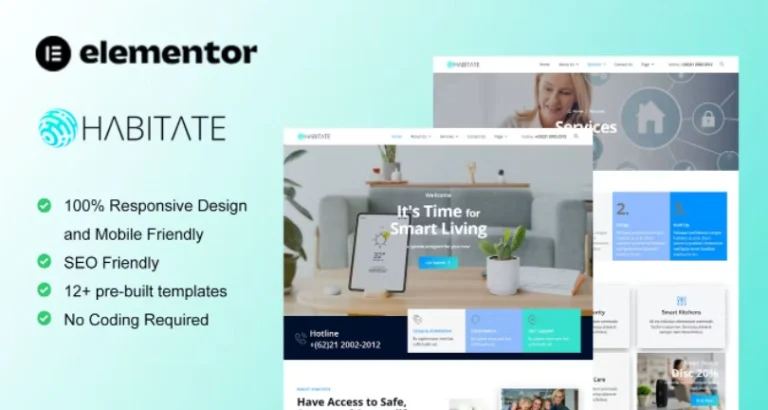
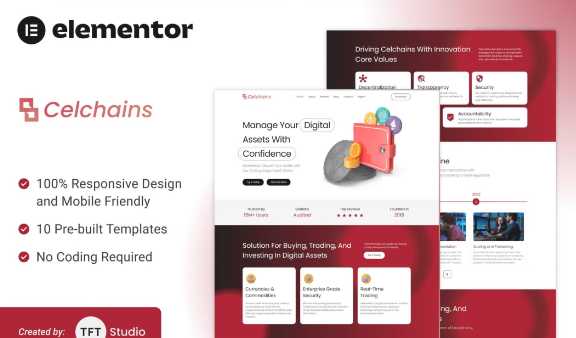
Browse our free WordPress themes to find the perfect design.
Step 4: Install Essential Plugins
These plugins are essential for every WordPress site:
- Yoast SEO or Rank Math – for SEO optimization
- Wordfence – for security
- UpdraftPlus – for backups
- WP Rocket or W3 Total Cache – for performance
- Contact Form 7 – for contact forms
Step 5: Create Your Core Pages
Every website needs these basic pages:
- Home page
- About page
- Contact page
- Privacy Policy (required by law)
- Blog or portfolio section
Step 6: Configure Your Settings
- Set your site title and tagline
- Configure your permalink structure (use /%postname%/)
- Set up your navigation menu
- Add your logo
Step 7: Create Content and Publish
Start creating quality content for your audience. For blogs, aim for at least 1,000 words per post with proper headings, images, and internal links.
Step 8: Submit to Google
- Set up Google Search Console
- Submit your XML sitemap
- Request indexing for your key pages
Empiece hoy mismo
Download premium WordPress themes and plugins for free from our collection. Visit our themes section y plugins section to get everything you need.
Also find free WordPress resources at our partner: WP Desbloqueado.