Blog
Cómo crear una tienda WooCommerce en 2026: Guía de configuración completa

Cómo crear una tienda de WooCommerce
WooCommerce está presente en más del 30 % de todas las tiendas online del mundo. Crear una tienda con WooCommerce es muy sencillo y, con las herramientas adecuadas, puedes poner en marcha rápidamente una página web de comercio electrónico profesional.
Paso 1: Instalar WordPress y WooCommerce
Empieza por instalar WordPress y, a continuación, instala Descarga de WooCommerce GPL. El asistente de configuración te guiará a lo largo del proceso de configuración básica.
Paso 2: Elige un tema compatible con WooCommerce
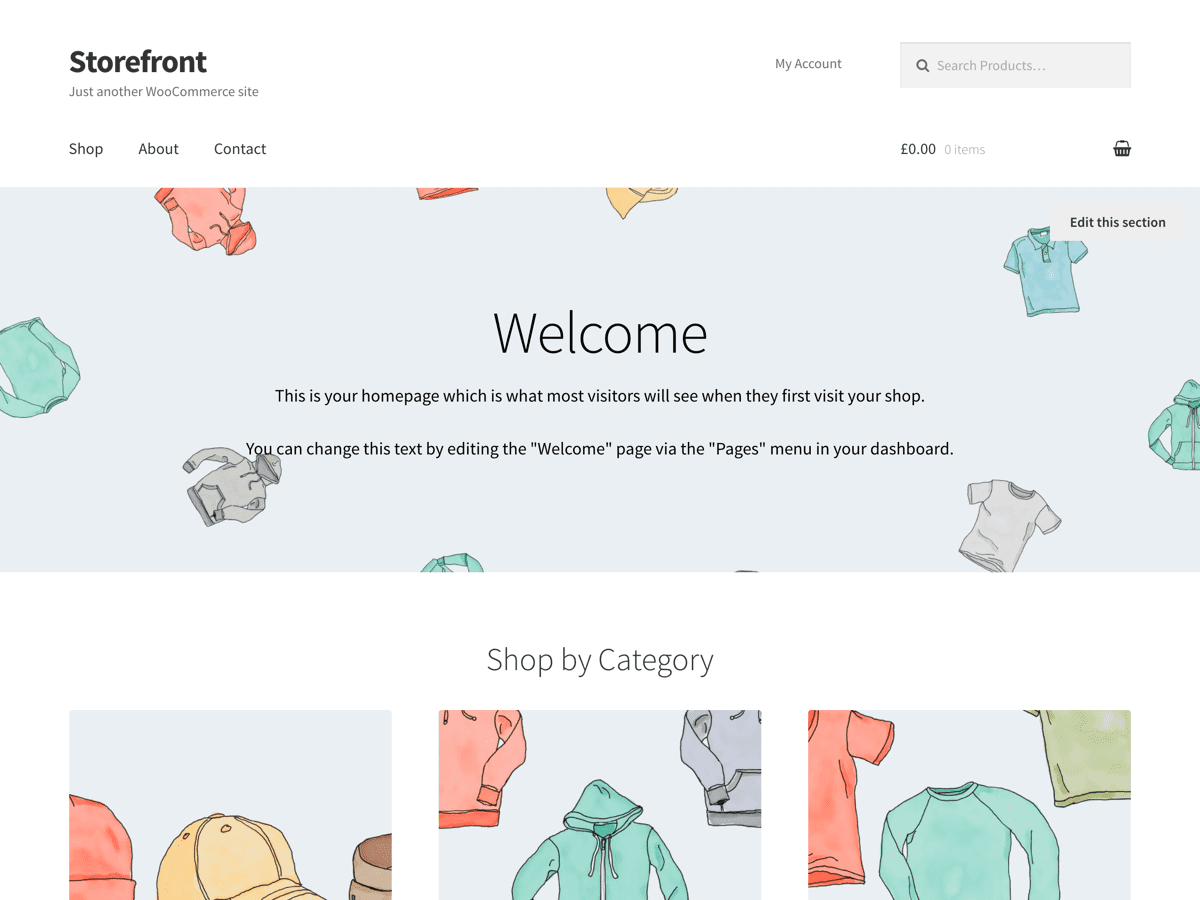
Elige un tema diseñado para WooCommerce. Entre las opciones más populares se encuentran: Astra con sus plantillas específicas para WooCommerce, OceanWP con funciones específicas para tiendas, y Escaparate, el tema oficial de WooCommerce.
Paso 3: Configurar las pasarelas de pago
Pagos con PayPal en WooCommerce es la opción de pago más popular. Para el procesamiento de pagos con tarjeta de crédito, te recomendamos Stripe o WooPayments.
Paso 4: Añadir productos
Crea categorías de productos, añade descripciones, fija los precios y sube imágenes. En el caso de los productos digitales, activa la opción “Descargable” en la configuración del producto.
Paso 5: Instalar los plugins esenciales de WooCommerce
- Google para WooCommerce para la publicación de productos en Google Shopping
- Rank Math SEO para la optimización SEO de productos
- WP-Optimize para el rendimiento de la base de datos
Paso 6: Lanzamiento y promoción
Configura Google Analytics con Site Kit de Google y empezar a atraer tráfico mediante el posicionamiento en buscadores (SEO), las redes sociales y el marketing por correo electrónico.