Blog
Cómo instalar y personalizar un tema de WordPress: guía paso a paso

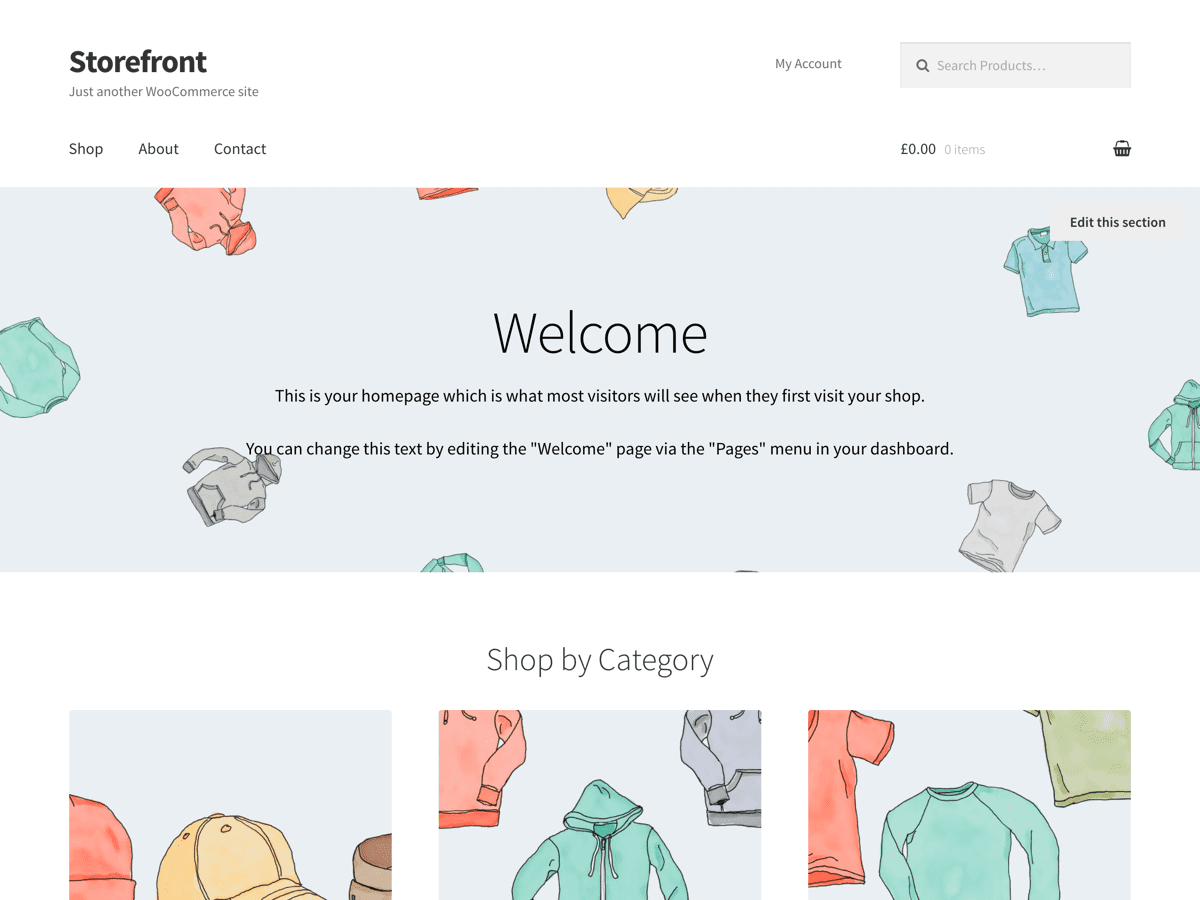
Cómo instalar y personalizar un tema de WordPress
Instalar un tema de WordPress es uno de los primeros pasos para crear tu sitio web. Tanto si utilizas un tema gratuito de WordPress.org como uno premium con licencia GPL de AllWin Theme, el proceso es muy sencillo.
Paso 1: Descarga tu tema
Consulte nuestra colección de Temas de WordPress bajo licencia GPL y descarga el paquete del tema que hayas elegido. La mayoría de los temas se presentan en formato .zip.
Paso 2: Instalar a través del panel de administración de WordPress
- Inicia sesión en tu panel de control de WordPress
- Ir a Apariencia > Temas
- Haga clic en Añadir nuevo > Subir tema
- Selecciona el archivo .zip y haz clic en Instalar ahora
- Haga clic en Activar para aplicar el tema
Paso 3: Personaliza tu tema
Una vez activado, ve a Apariencia > Personalizar para ajustar los colores, las fuentes, los diseños y mucho más. Muchos temas populares como Astra, Kadencey OceanWP ofrecen amplias opciones de personalización.
Paso 4: Importar contenido de demostración
Muchos temas incluyen plantillas de inicio o contenido de demostración. Busca la función de importación de la demostración del tema en Apariencia o en un panel de configuración específico.
Paso 5: Añadir complementos
Mejora tu sitio web con elementos esenciales Plugins de WordPress para el posicionamiento en buscadores, la seguridad, los formularios y el rendimiento.
Consejos para una instalación satisfactoria
- Utiliza un tema hijo para realizar modificaciones personalizadas en el código
- Prueba primero tu tema en un sitio de pruebas
- Comprueba la compatibilidad del plugin tras la activación
- Optimiza las imágenes y activa el almacenamiento en caché para mejorar la velocidad